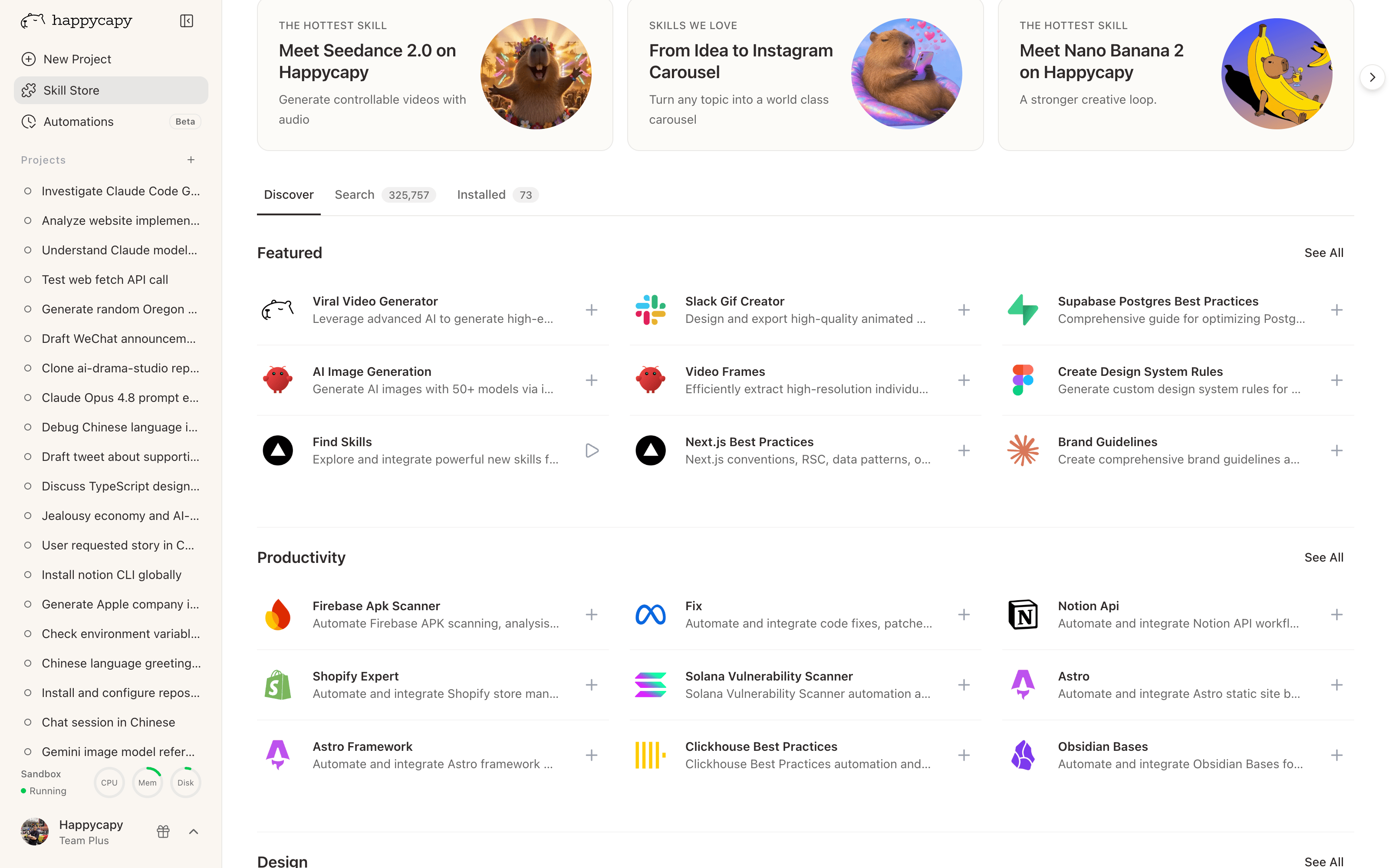
What is Skill Store?

Use the Skill Store to find and install ready-made Skills for design, coding, data analysis, file processing, media generation, and other work you repeat often. Skills give Happycapy reusable instructions, context, or tools for specific kinds of work.

How to use Skill Store

Skill StoreBrowse, search, and install reusable Skills.
Skill Store
Open the Skill Store when you need a Skill for a task. Browse featured Skills, or search by task, tool, workflow, or domain.

Install a Skill

Install a Skill once, then use it in your Happycapy Project. Installed Skills make repeated work easier because Happycapy can reuse the same workflow instead of starting from scratch each time.

Use a Skill in a Project

Most of the time, you only need to describe the result you want. Happycapy will choose a relevant Skill if one is a good fit.
Create a product launch image for this landing page.
You can also choose a specific Skill from the picker or use a slash command when you want more control.
/frontend-design Design a landing page for a SaaS product.

What to know

Skills are reusable capabilities

A Skill is more than a prompt. It helps Happycapy follow a reusable workflow more consistently.

Happycapy can choose Skills for you

You do not need to memorize Skill names. Describe the outcome you want, and Happycapy can select a Skill when one is a good fit.

Add or create Skills for repeated work

Use Skills for work you repeat often. Start with the Skill Store to install a ready-made Skill. If the workflow is specific to your team or project, ask Happycapy to create a Skill for it.

FAQ

Do I need to choose a Skill manually?

No. In most cases, describe the result you want and Happycapy will choose a relevant Skill. Choose a Skill manually when you want a specific workflow or output style.


Where can I find Skills?

Start with the Skill Store. You can also use compatible open-source Skills when you need a workflow that is not yet available in the store.