

What is a Project?
A Project keeps related work in one workspace: sessions, files, and ongoing work. Use one Project for a codebase, campaign, client, research topic, content pipeline, or any task you expect to continue over time. This makes Projects useful for work that spans more than one conversation. Start a task in one session, continue in another, and the files are already there.Start a Project
Click New Project in the sidebar, then describe what you want Happycapy to work on. Happycapy creates the Project and names it automatically based on your first prompt. You can start with a prompt, upload files, or open an existing file in the Project.Work across sessions
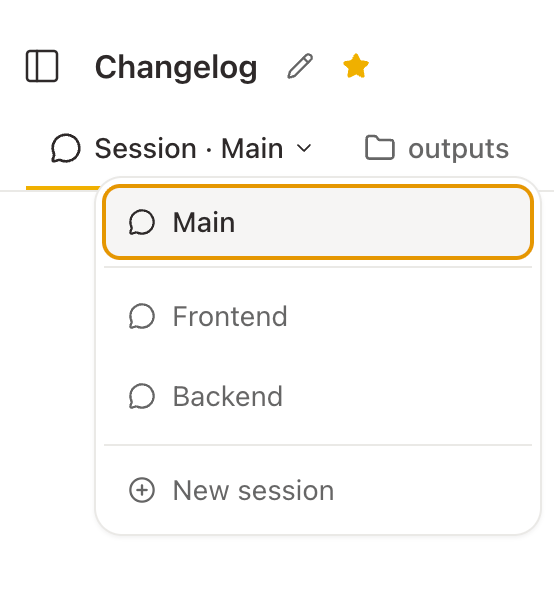
Inside each Project, you can run multiple sessions at the same time. Each session is its own conversation thread, but they work in the same Project workspace.
Practical uses:
- One session generates images while another writes the accompanying copy
- One session handles frontend code, another handles the backend
- One session researches a topic, another drafts the report
To open a new session: click the + button next to the session name at the top of the Project.
To switch between sessions: click the session name dropdown at the top.