
What is Capy Mail?

Capy Mail gives your Happycapy account an email address that can send and receive email. Use Capy Mail when you want Happycapy to send email from a Project, send the same update to multiple recipients, receive replies, or keep an email thread inside the same Happycapy conversation. You can also start a new Happycapy agent conversation by email. After the conversation is created, replies in the same email thread continue in that conversation. Capy Mail is not a separate email app. It makes email part of the work Happycapy is already doing.

When to use Capy Mail

  • Send email from a Project
  • Send the same update, report, or notice to multiple recipients
  • Start a new Happycapy conversation by email
  • Receive replies and continue with the same context
  • Ask Happycapy to summarize, classify, answer, or follow up on email work
  • Pair email with Automations for recurring reports or follow-ups

Set up Capy Mail

Go to Settings → Capy Mail. Your Capy Mail address is shown there, using the capymail.ai domain.
Capy MailSend work to Happycapy by email. Get the result back when the cloud task finishes.
happycapy.ai
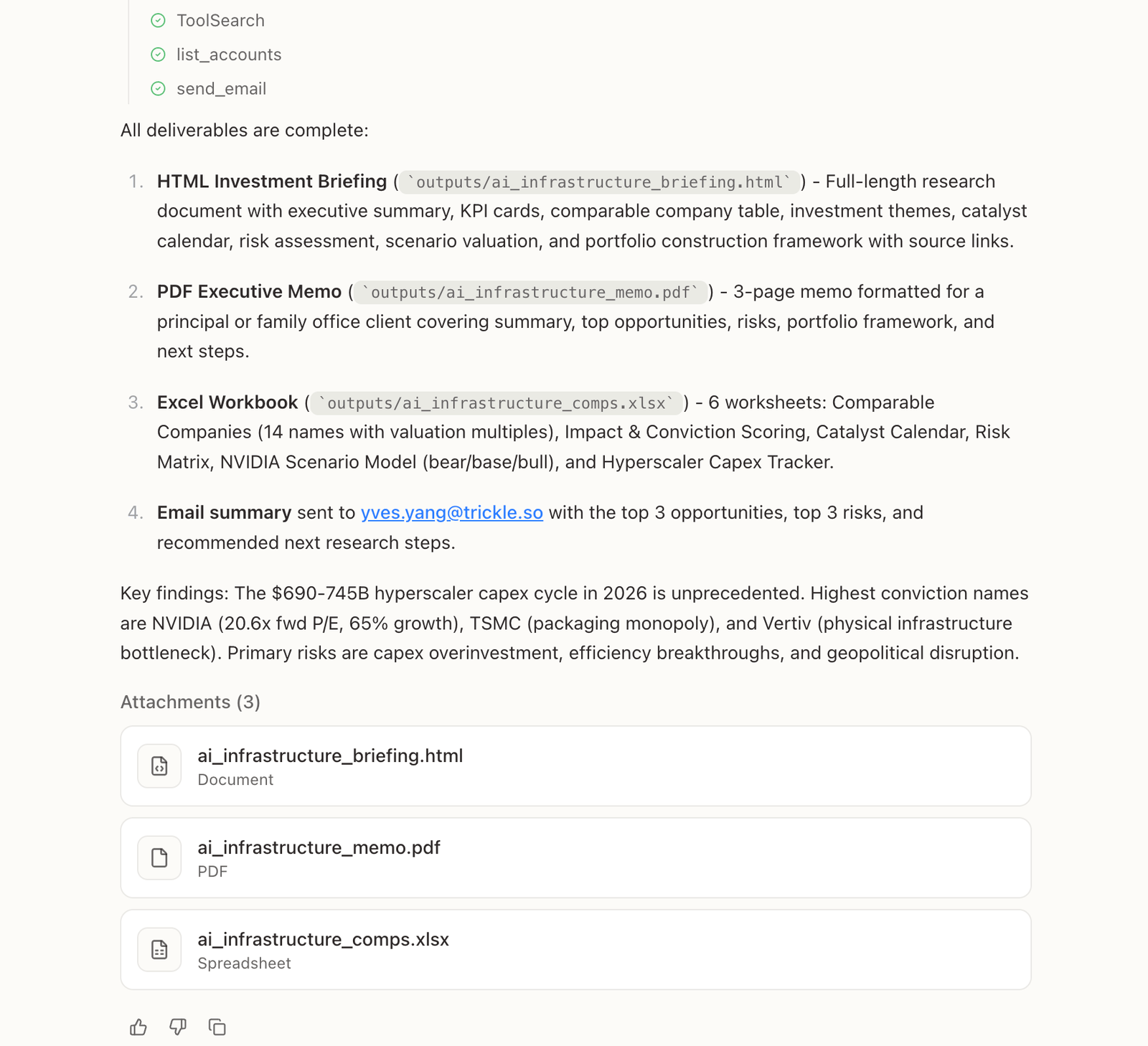
Happycapy completes work and sends email
Your @capymail.ai address receives the task
Happycapy completes the task in the cloud
Results and attachments are emailed back
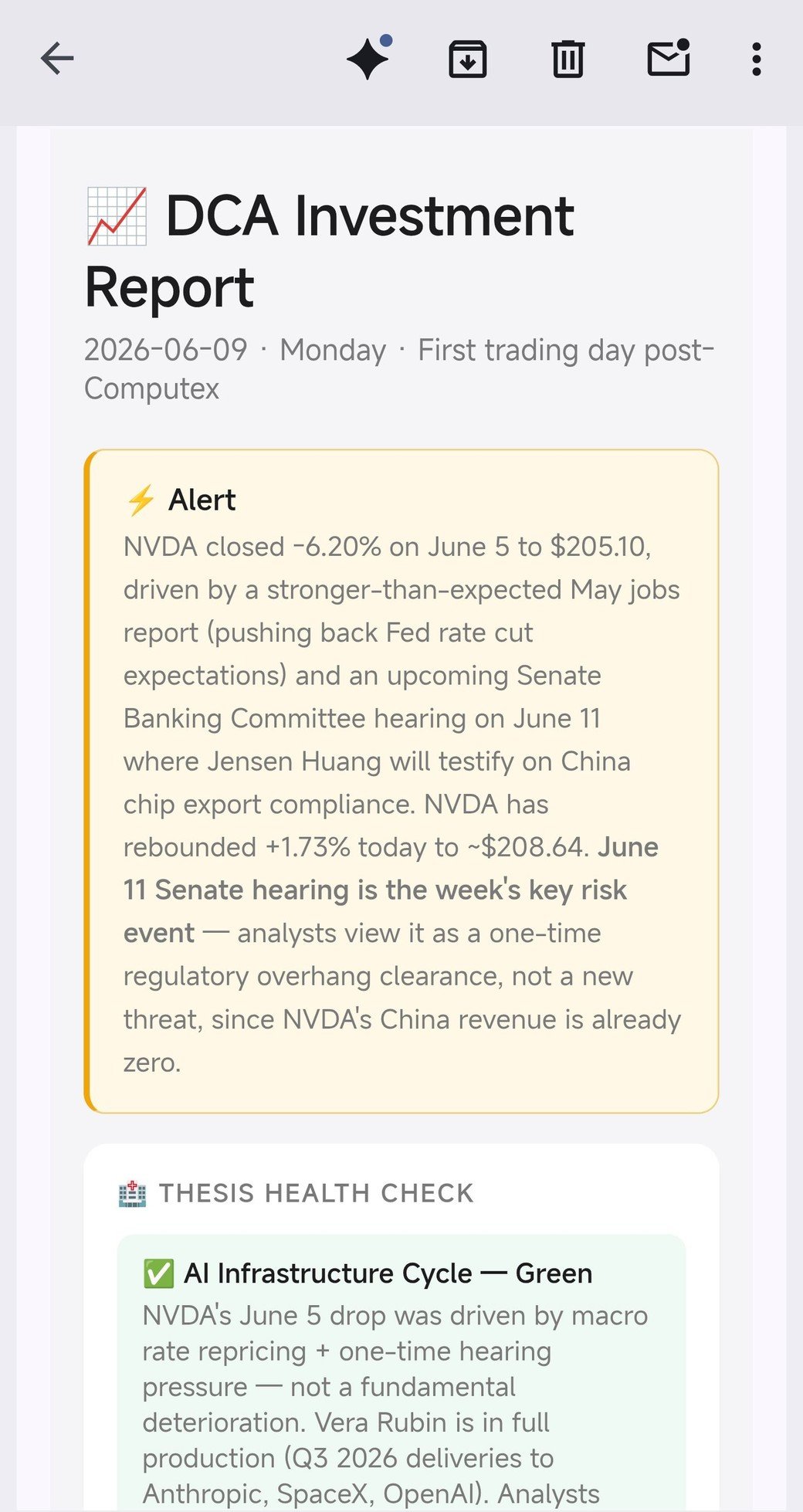
A report received by email on mobile
Add the email addresses you trust to Allowed Senders. Capy Mail only processes email from those addresses. To add an allowed sender:
  1. Open Settings → Capy Mail
  2. Type an email address into the Add email address field
  3. Click the + button
You can remove a sender at any time.

Ask Happycapy to send email

You can ask Happycapy to send email from a Project. It can send to one recipient or to multiple recipients. Happycapy can handle the email workflow: drafting the message, using Project context, attaching or referencing Project outputs, and sending the final email.

Start a conversation by email

Email can start a new Happycapy agent conversation. After the conversation is created, replies in the same email thread continue in that conversation. This is useful for follow-ups, feedback, and lightweight support workflows. Happycapy can summarize incoming email, prepare replies, or continue answering with the context from that thread.

Use with Automations

When email should be sent on a schedule or become part of a recurring workflow, pair Capy Mail with Automations. For example, ask Happycapy to send recurring reports, follow up with a group of contacts, or handle incoming email for a Project.