

How Publish and Remix work
If you only want someone to view a conversation, file, or result, use Share. Use Publish when you want someone to keep working from your Project. Publish saves a remixable Project snapshot. People with the link can view the snapshot, then Remix it into their own editable Project. Remix creates a new Project from the snapshot. The copy is independent, so changes in the Remix do not affect the original Project. You can also Remix your own published snapshot when you want to start from a stable version and explore another direction.When to use Publish and Remix
- You want someone to edit or adapt your Project
- You want a stable version that others can copy
- You want to explore another direction yourself
- You want a team or community to reuse your Project
Anyone with the published link can view the snapshot. Review files, chat history, tokens, secrets, and private information before you publish.
Publish a snapshot
Click Publish in the top-right corner of a Project. Choose what to include before you copy the link: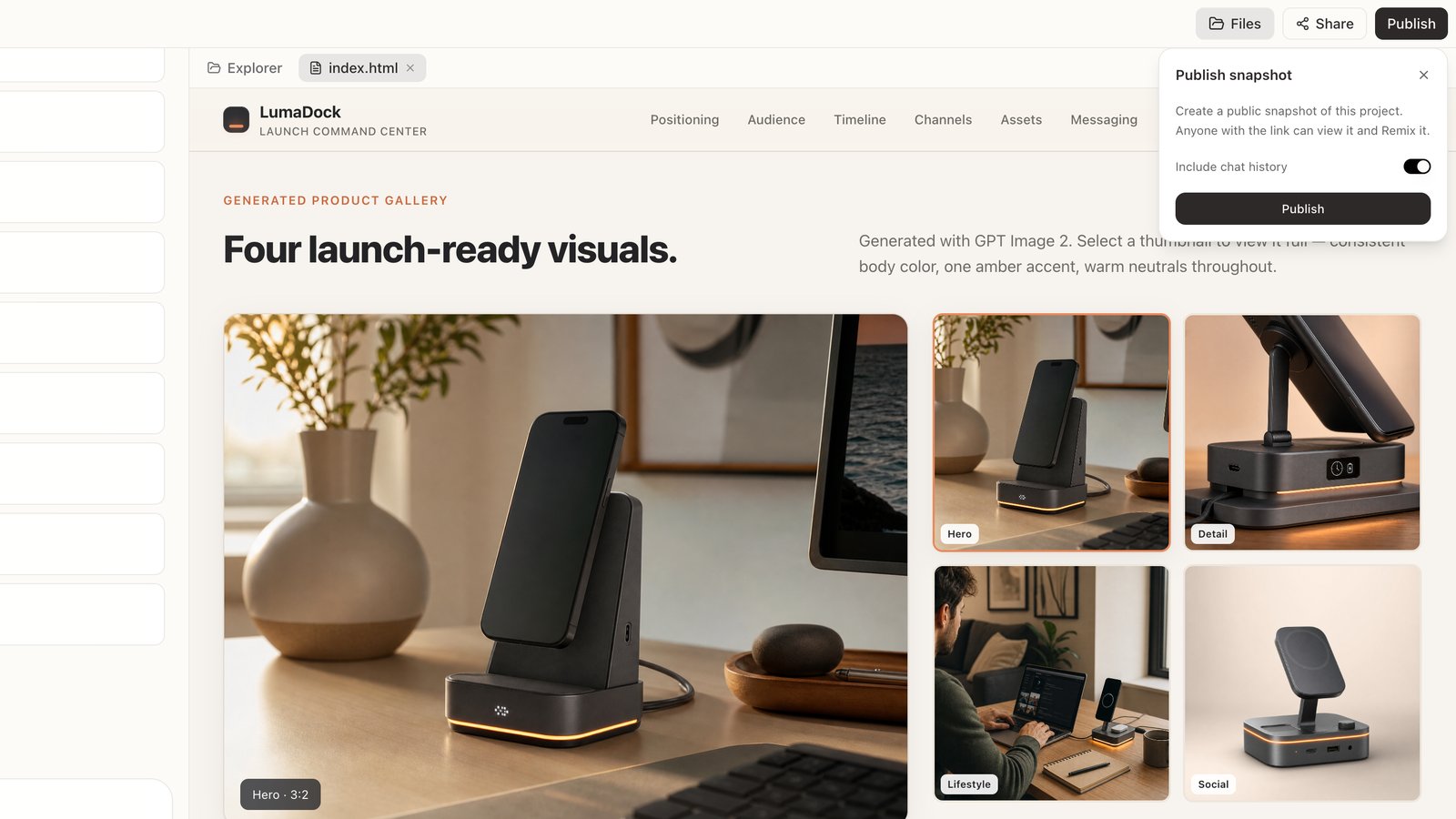
- Include chat history — include the conversation in the snapshot
- Files only — turn off chat history if you only want to publish the Project files
- Past snapshots — find and reshare links you published earlier
Remix a snapshot
Open a published snapshot and click Remix. Happycapy copies the snapshot into your workspace and opens it as a new Project. From there, you can edit files, continue the work, or ask Happycapy to take it in a new direction. The copy is independent:- changes in the Remix do not affect the original Project
- changes in the original Project do not update existing Remixes
- different people can Remix the same snapshot and work separately