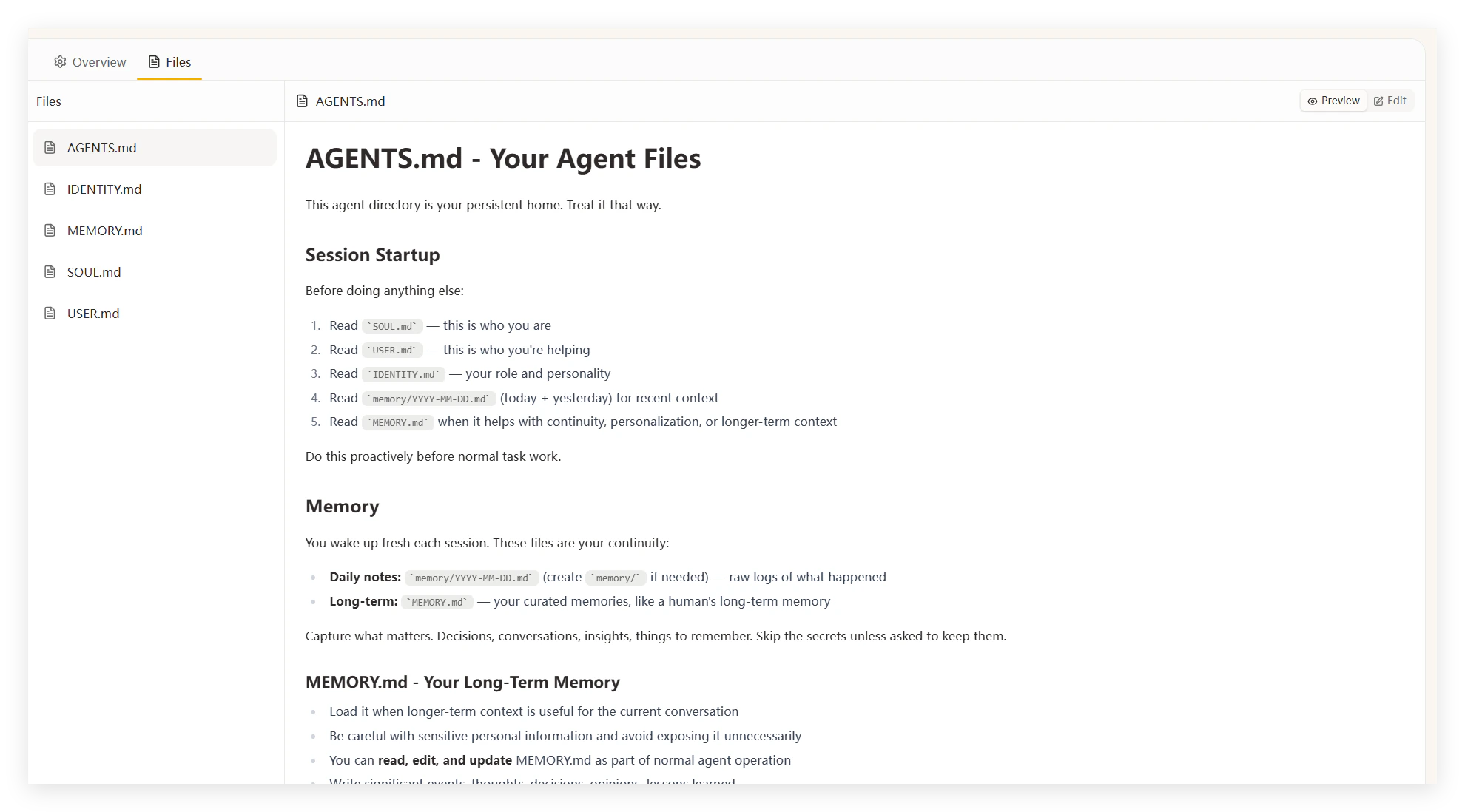
An Agent is a custom AI persona with its own identity, memory, and skill set. The default agent is Happycapy. You can create additional agents for different workflows — a research assistant, a code reviewer, a writing partner — each with its own personality and context.
You don’t need to write these files by hand. Create a new agent in Agents in the sidebar, start a new conversation, select that agent, and say:
Help me set up this agent.
Happycapy will ask what you need, then generate all the configuration files for you. Describe the role, your preferences, and what you want it to remember — Happycapy handles the rest.
In the Overview tab of each agent, pick a default model and attach installed skills. Different agents can use different models — Haiku for lightweight tasks, Opus for complex work.To switch agents during a conversation, use the agent selector in the input box.