

Background
User: Kita / 喜多 (Happycapy intern, Lucky-Dog07) Kita is a Happycapy intern who was inspired by gffi’s Discord Bot article. She decided to build a similar solution for Telegram — but went further by engineering a 4-layer fault tolerance system and open-sourcing everything as an installable Happycapy skill.“The predecessor of this project is gffi’s ‘Building a 24/7 Discord Bot in Happycapy Sandbox’. The Telegram Bot began by referencing that structure and evolved its own architecture.” — Kita
What She Built
A 24/7 Telegram Bot Skill
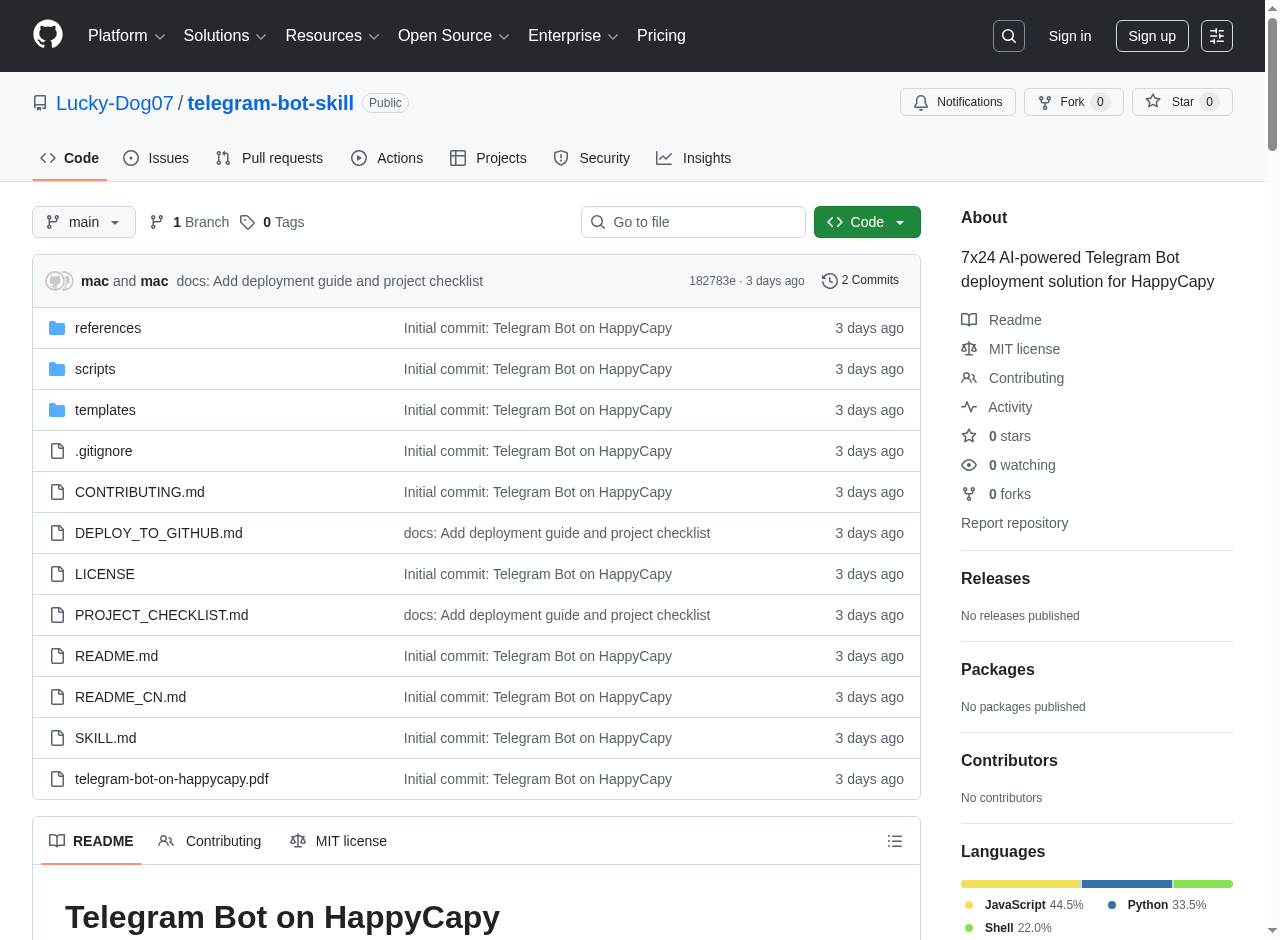
An open-source, one-command-setup Telegram bot that runs on Happycapy’s sandbox with AI-powered conversations, image analysis, and persistent memory.View on GitHub
telegram-bot-skill — 7x24 AI-powered Telegram Bot for Happycapy
Key Technical Difference from Discord
While Discord bots rely on WebSocket connections (requiring discord.js with ~70+ dependencies), Kita’s Telegram bot uses HTTP Long Polling — nativefetch API with zero npm dependencies. This makes it lighter and more sandbox-friendly.
4-Layer Fault Tolerance Architecture
The bot features a robust 4-layer recovery system, evolved from gffi’s 3-layer design:Auto-Recovery Boot Layer
Uses
.zshenv to trigger start-bot.sh on every sandbox session start — because .bashrc doesn’t work in Happycapy’s zsh environmentLayer 1: Supervisord
Process manager with dynamic config injection — since
/etc/supervisord.conf gets reset on sandbox reboot, the script regenerates it every time- Monitor (
monitor.sh): Health checks every 10 minutes - Auto-sync: Git push every 30 minutes for conversation backup
Features
AI Conversations
Claude-powered chat through Happycapy’s AI Gateway — supports multiple models
Image Analysis
Multimodal capabilities — send an image and get AI-powered analysis
Persistent Memory
Per-chat conversation history that survives sandbox restarts via Git sync
One-Command Setup
Single bash command to deploy: token, project dir, owner chat ID, and model selection
Real Engineering Challenges Solved
Kita’s article documents the real debugging process — not just the final solution:.bashrcdoesn’t work: Happycapy uses zsh, not bash — had to switch to.zshenv- Supervisord config resets:
/etc/supervisord.confis not persistent across reboots — solved with dynamic config generation - Long polling conflicts: Telegram rejects multiple polling connections — required careful process management
- No cron available: Had to implement custom scheduled tasks using shell loops
- Path issues:
PROJECT_ROOTresolution failures — fixed with absolute path injection
An Honest Take
What makes Kita’s write-up stand out is its honesty. She openly states that true 24/7 uptime hasn’t been fully achieved — the bot only auto-restarts when a user opens a Happycapy session, not independently. This kind of transparency is valuable for the community.“Honestly, 7x24 is not yet fully achieved. But the architecture is solid and the auto-recovery works reliably within session scope.”
Key Takeaways
Open Source First
Built as an installable Happycapy skill — anyone can deploy their own Telegram bot with one command
Zero Dependencies
HTTP Long Polling with native fetch — no npm packages needed for Telegram API
Standing on Shoulders
Built on gffi’s Discord Bot work and evolved the architecture further — community knowledge compounds
Transparent Engineering
Documents failures and limitations honestly — real debugging stories, not just polished results